



Evelyn
How to Create Clothing Color Variants from One Product Photo
Start with one clear product photo and build a matching set of color previews. Check the trim, texture, and shape before choosing which images belong in your store.
Read →
Journal
Notes, experiments, and product stories worth a slower read.
Archive
Page 7 of 11 · 92 articles
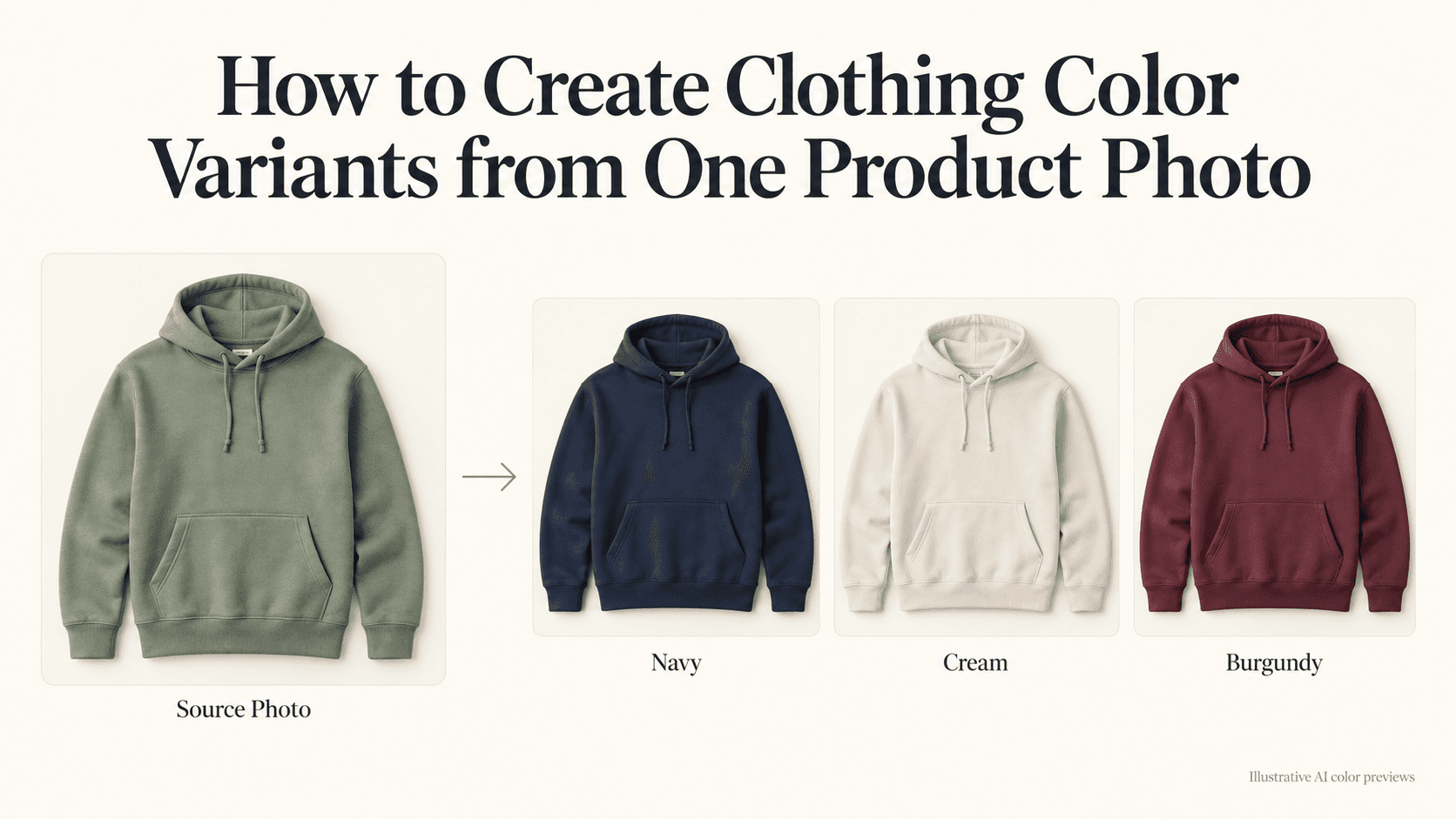
Start with one clear product photo and build a matching set of color previews. Check the trim, texture, and shape before choosing which images belong in your store.
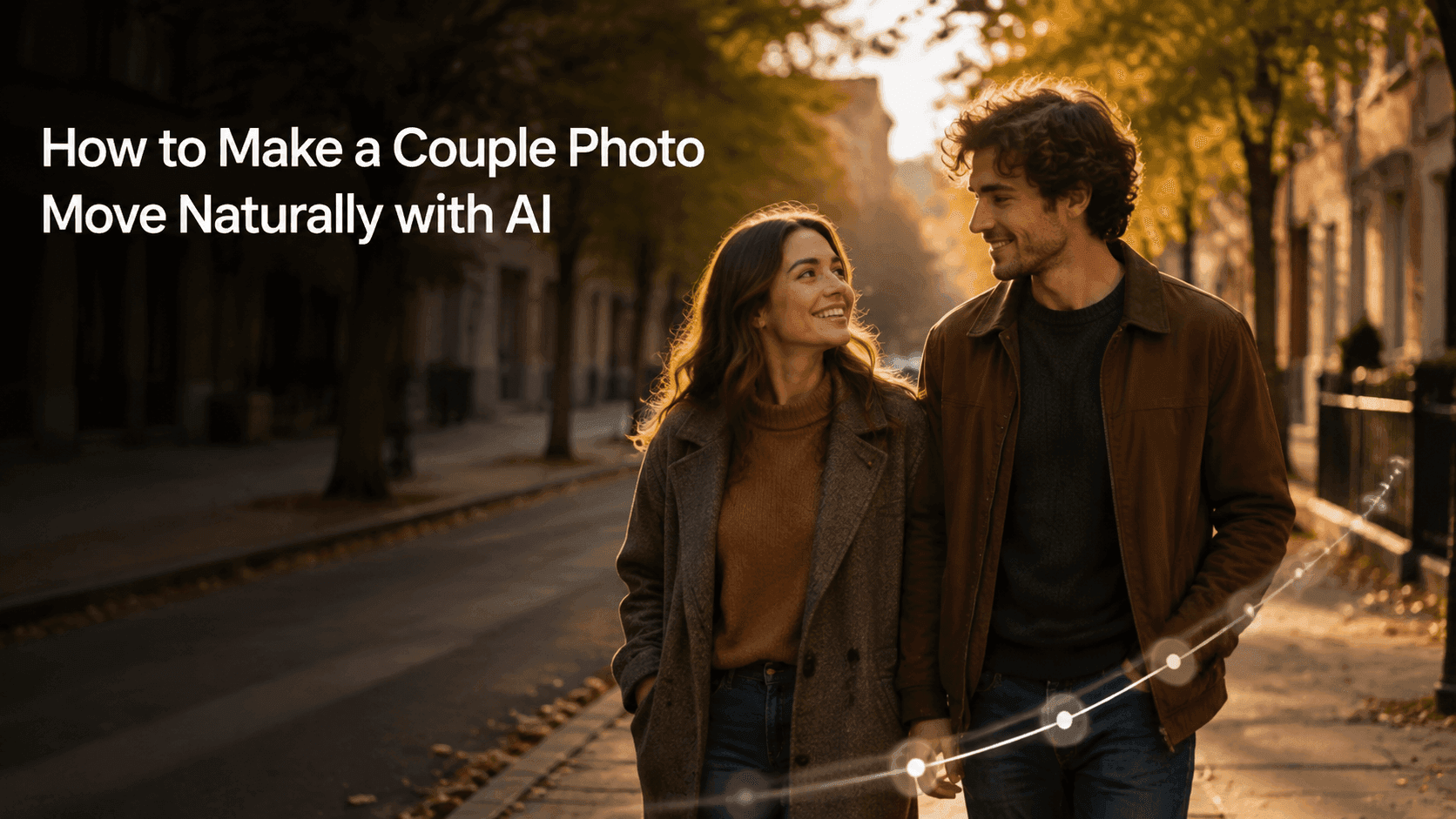
The best couple-photo videos do not need a big performance. A shared glance, a small step, or a quiet camera move is often enough to bring the moment back.
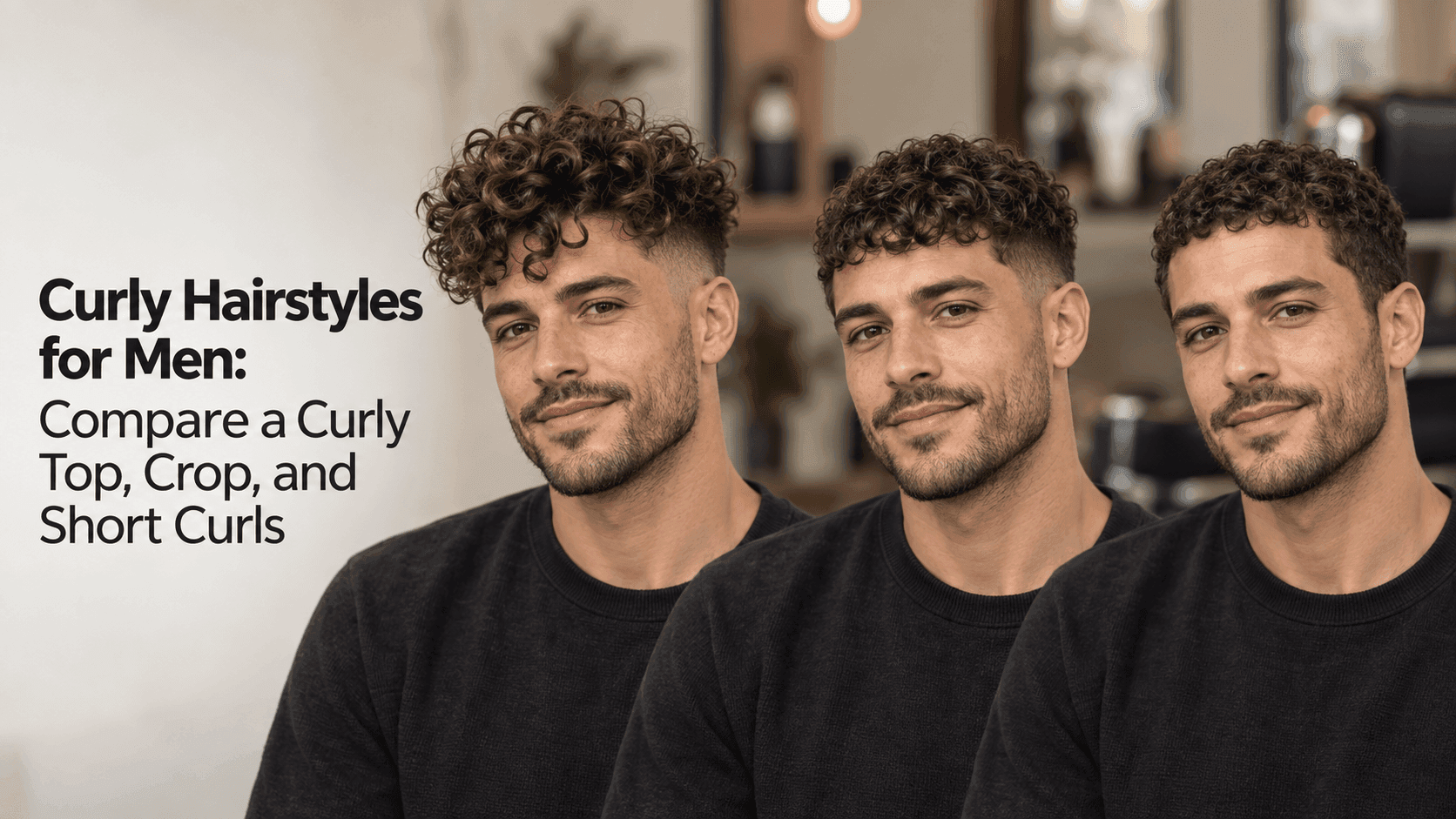
Try three different curl lengths on the same portrait. Compare the outline and texture, then bring the details you like to your barber.

A photo gives you the scene. The harder question is what should happen next. Here is how to use GPT-6 to work that out and write a prompt you can actually use.
A photo gives you the scene. The harder question is what should happen next. Here is how to use GPT-6 to work that out and write a prompt you can actually use.
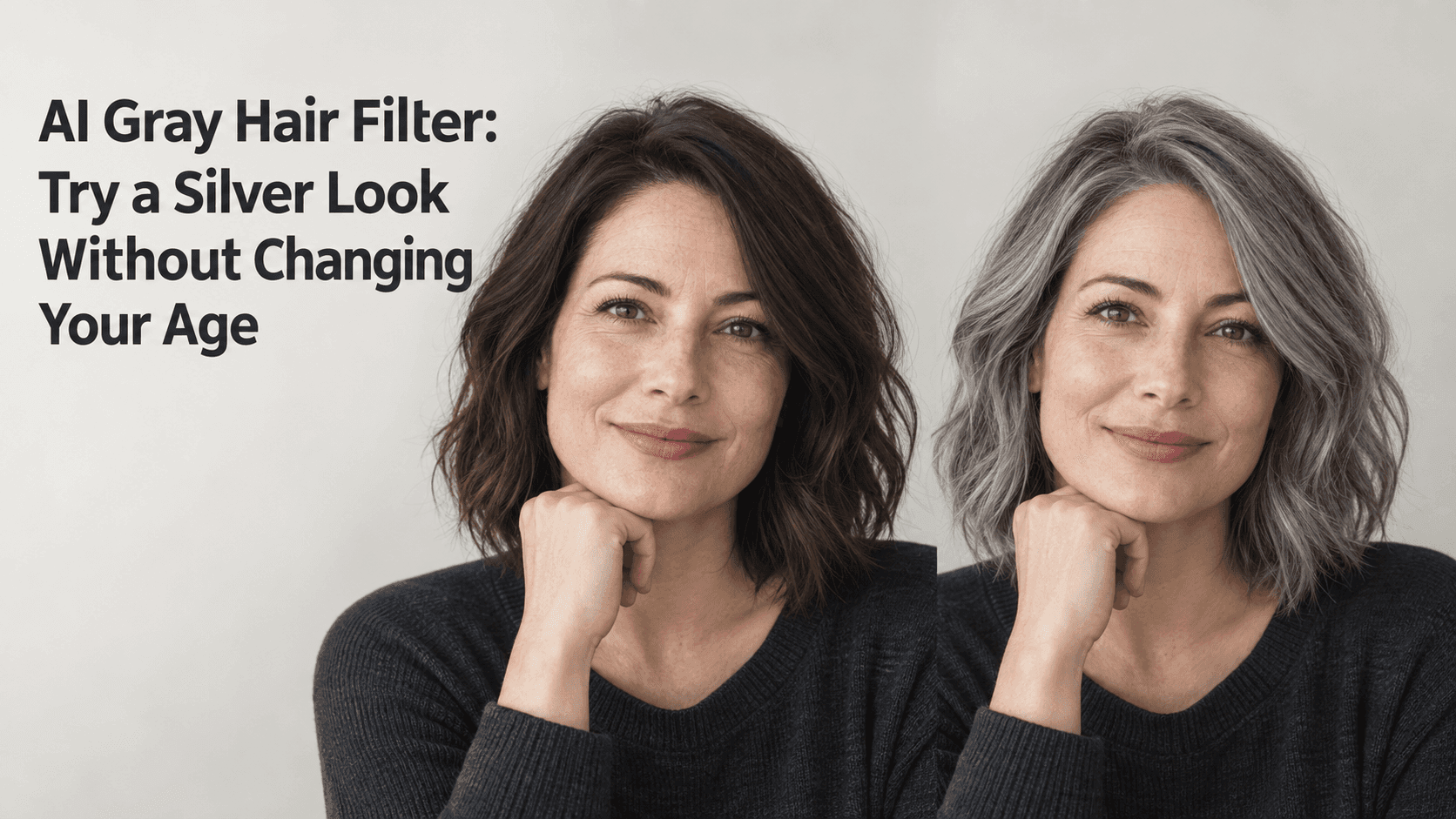
Try cool silver, soft gray, or salt and pepper on the same portrait. Keep the haircut and face steady so the color is the only thing you are judging.
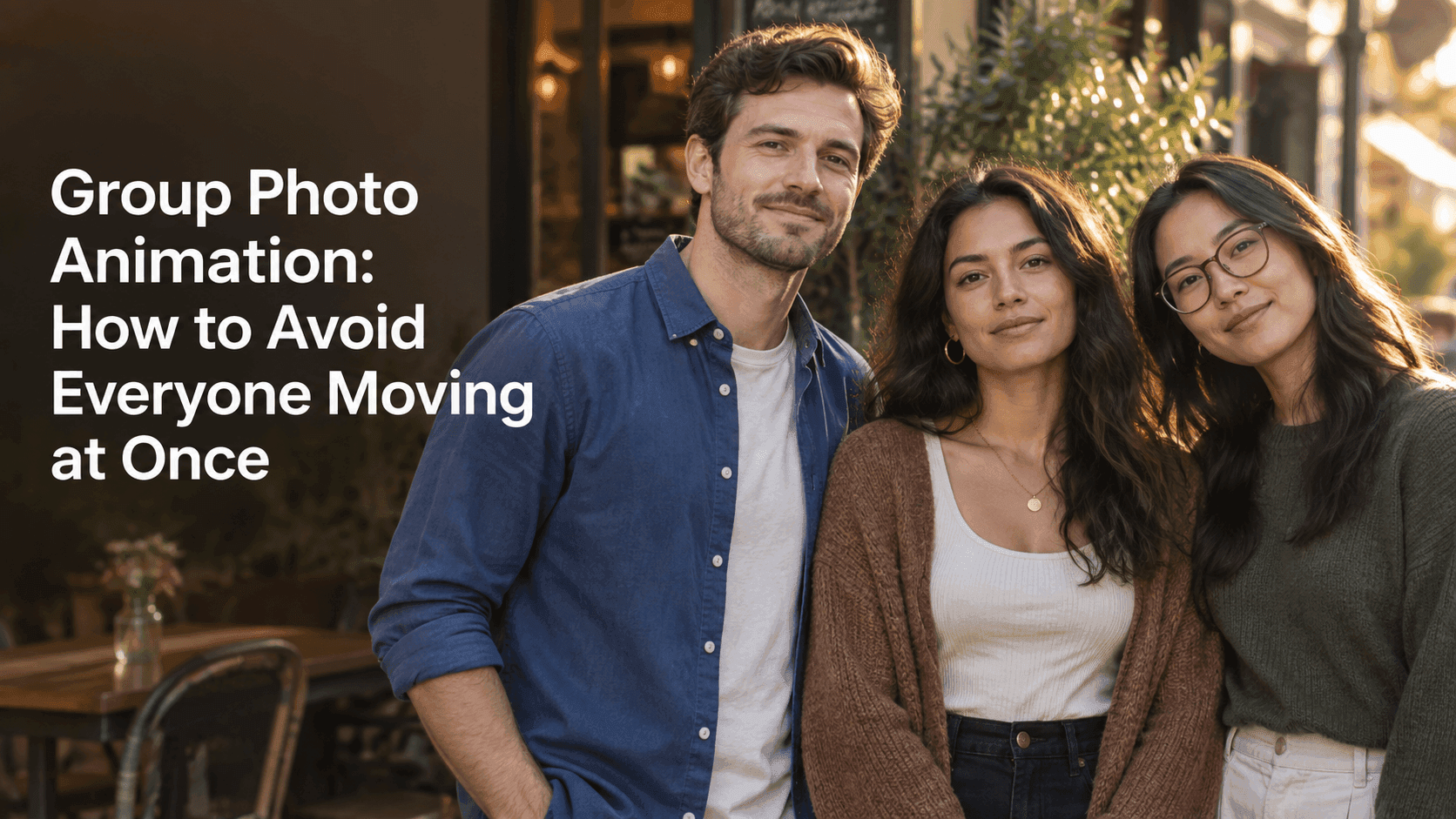
One person smiles, another moves a little later, and the rest hold their pose. Start with a three-person photo and give each movement room to happen.
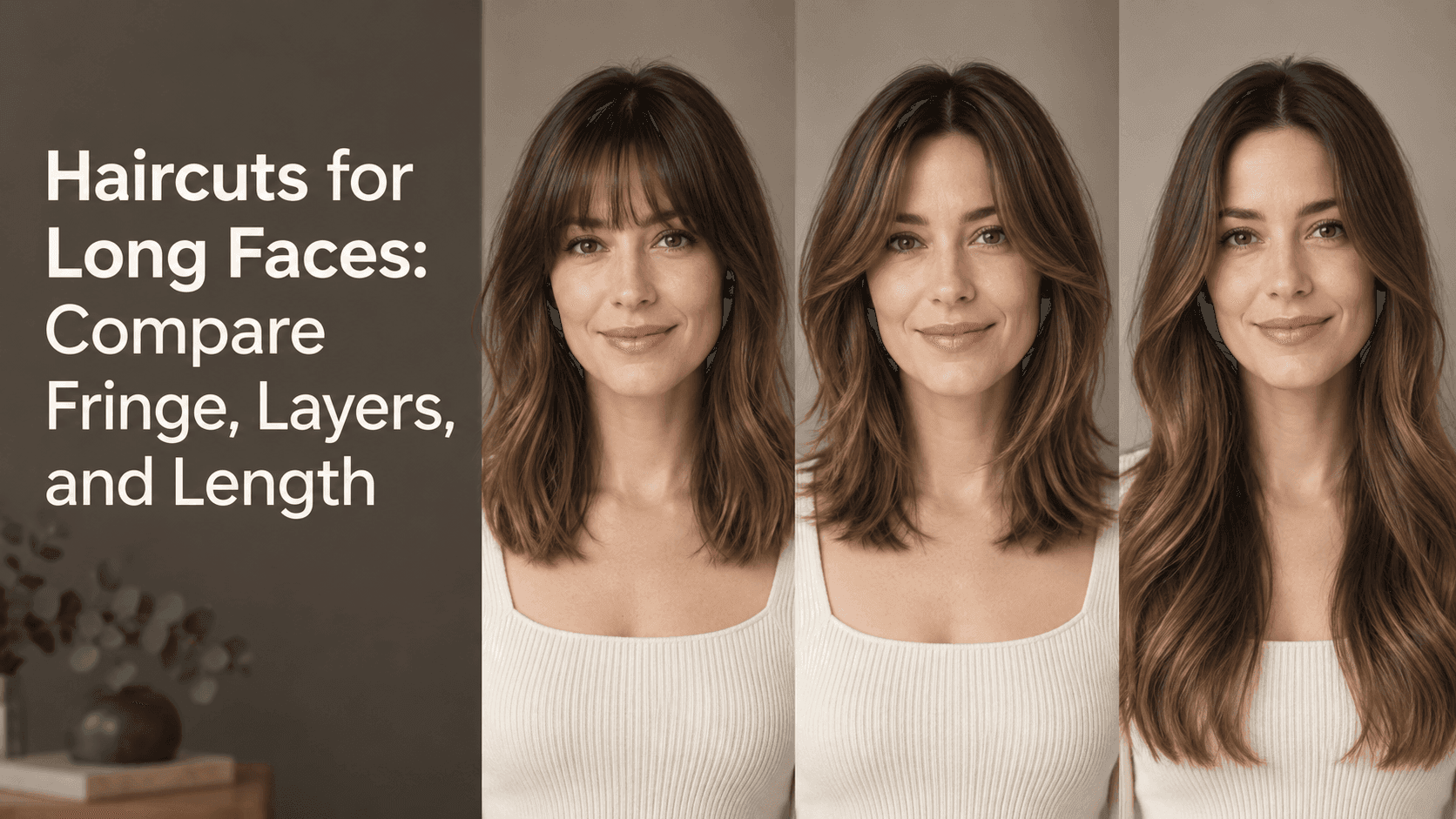
A face-shape label is only a starting point. Compare fringe, layers, and length on the same portrait, then take the details you like to your stylist.
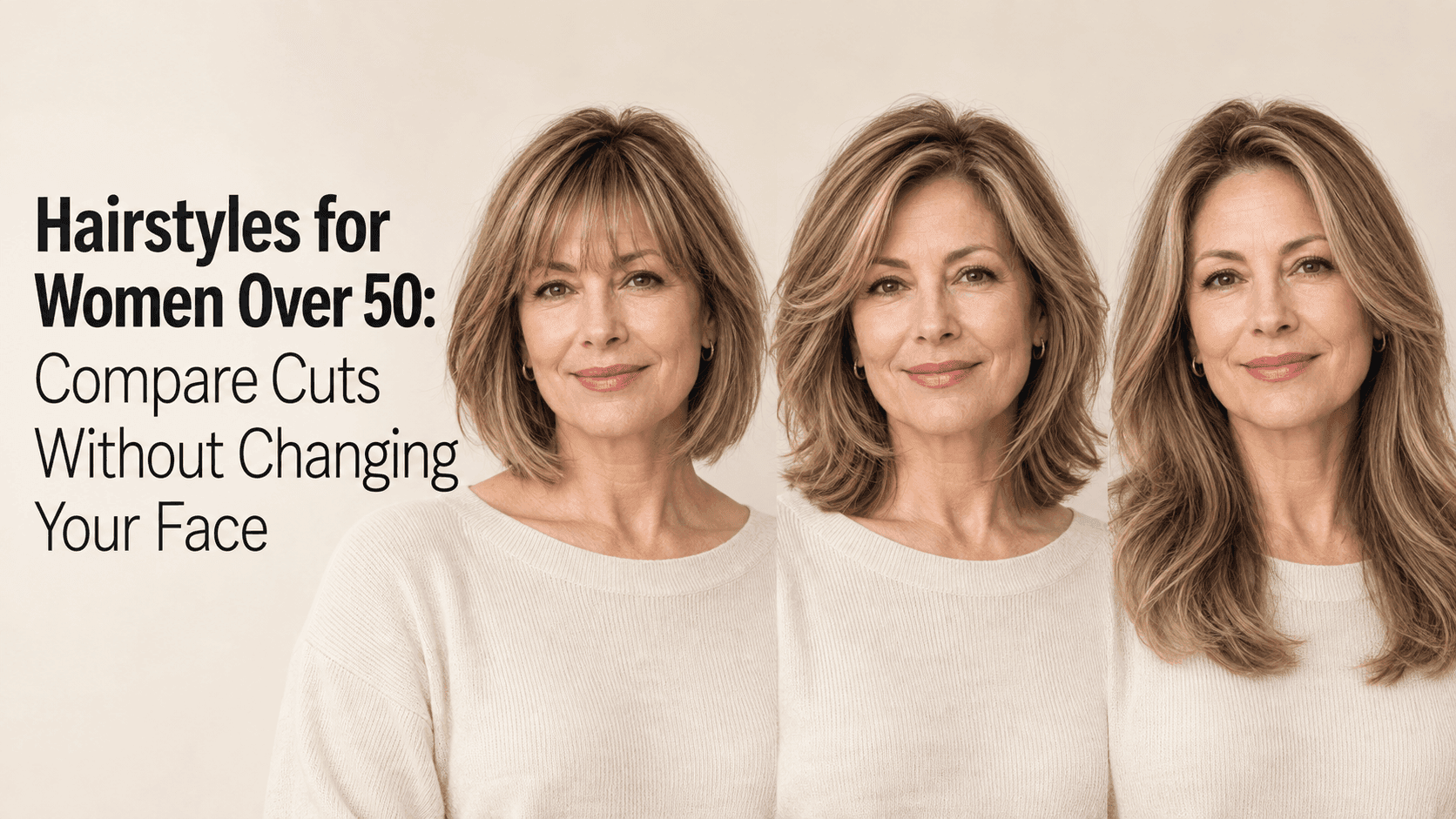
Try a few cuts on the same portrait before you book a salon appointment. Focus on the details you like, not rules about age.